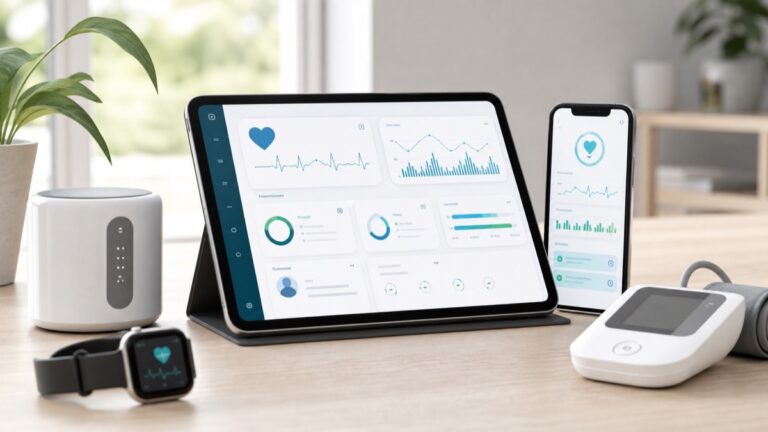
Remote Blood Pressure Monitoring Workflow for Clinics
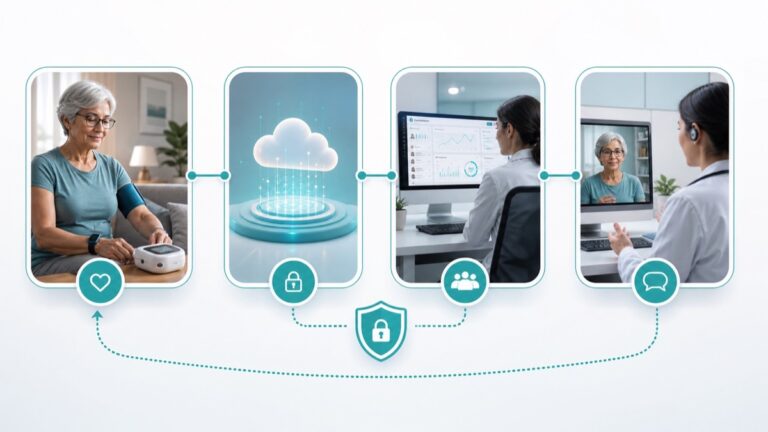
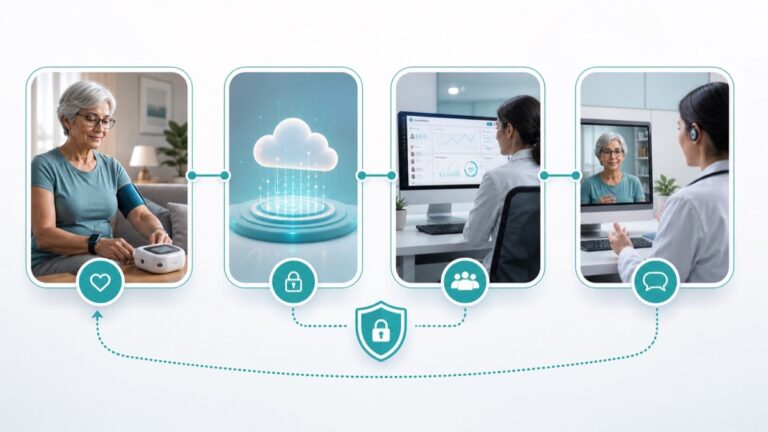
A remote blood pressure monitoring workflow should be simple enough for patients and structured enough for clinic teams. The hardest part is rarely the idea of home monitoring. The hard part is turning readings into a reliable process that fits real staff capacity.
This Medtrone guide is for clinics that want to support hypertension monitoring beyond the office visit. It outlines a practical workflow without making billing, diagnosis, or treatment claims.
Step 1: Define the patient group
Not every patient needs the same monitoring intensity. A clinic may start with patients who already have high blood pressure, patients asked by a clinician to check readings at home, or patients who need additional data before a follow-up visit. The care team should decide who qualifies and how the program is explained.
Medtrone’s remote patient monitoring pillar page explains the broader care model.
Step 2: Choose a measurement routine
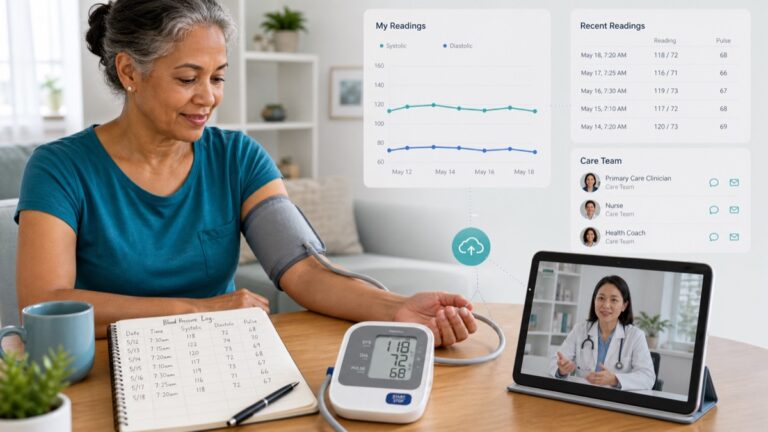
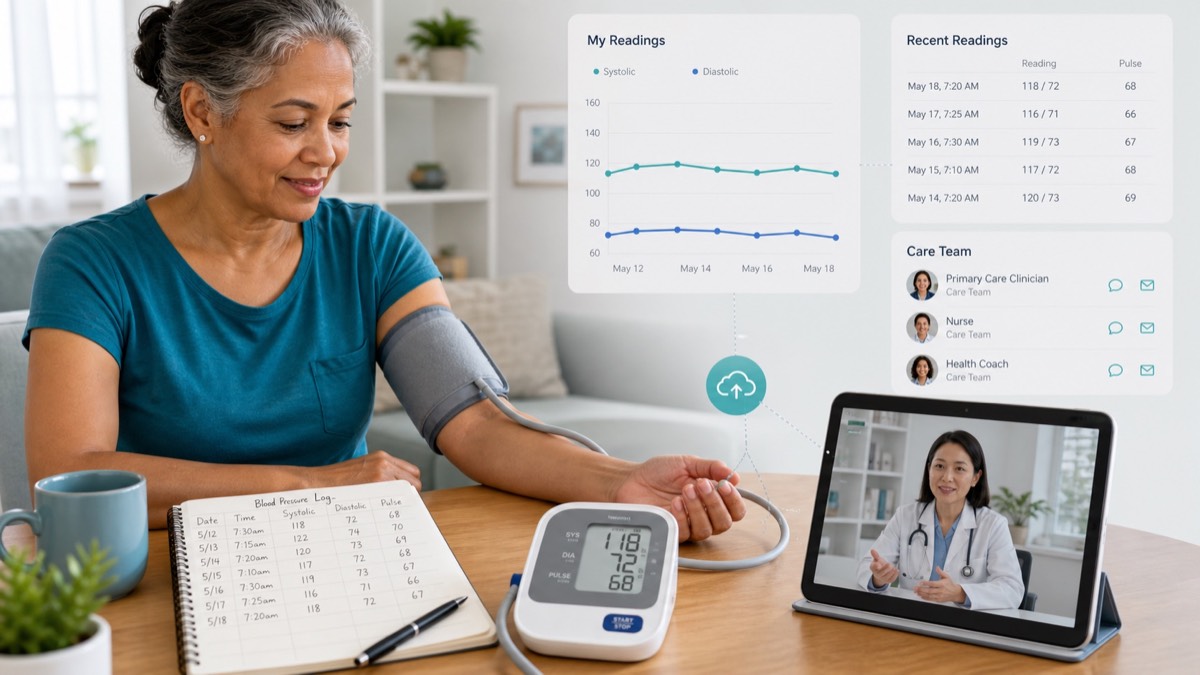
Routine protects data quality. The CDC recommends taking blood pressure at the same time each day when instructed, taking at least two readings one or two minutes apart, and using a blood pressure log. It also highlights posture, arm support, bare skin cuff placement, and avoiding talking during the reading.
A clinic should turn that guidance into a patient-facing handout. The handout should say when to measure, how many readings to take, how to record them, and who to contact with concerns.
Step 3: Decide how readings arrive
Readings can arrive through a device portal, a patient portal message, a phone call, a printed log, or a device memory review during a visit. The most advanced method is not automatically best. The best method is the one patients and staff can use consistently.
Medtrone’s guide to patient-generated health data can help teams think through the difference between collecting numbers and making those numbers usable.
Step 4: Assign review ownership
Remote monitoring programs fail when nobody owns the inbox. Clinics should define who reviews incoming readings, how often they review them, what is documented, and when a clinician is involved. This can be as simple as a weekly review queue for low-risk monitoring or a more formal process for higher-touch care.
The workflow should also define what happens when a patient stops sending readings. Missing data is information too.
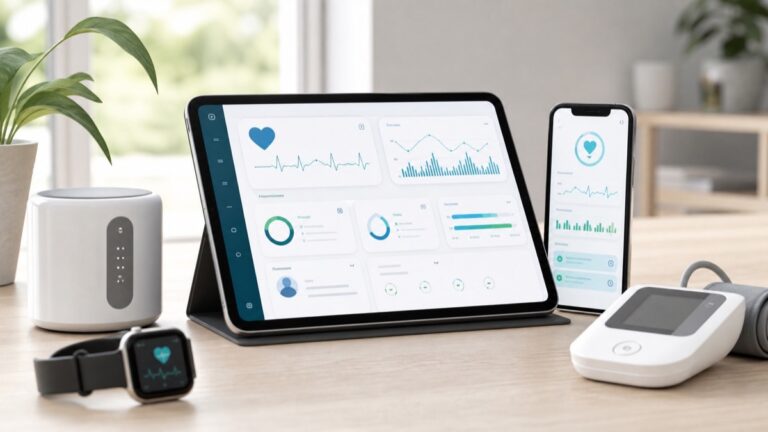
Step 5: Choose devices that reduce avoidable errors
For blood pressure, the American Heart Association recommends an automatic cuff-style upper arm monitor for home monitoring. Device selection should account for cuff size, display readability, memory, ease of use, and whether the patient can place the cuff correctly.
Clinics that want patients to understand device options can point them to ZYBS Medical Group’s upper arm blood pressure monitor guide.
Step 6: Teach escalation without creating panic
Patients need to know what to do when they feel unwell or when a number worries them. The clinic should give clear instructions and avoid asking patients to interpret readings alone. If urgent symptoms occur, patients should seek immediate medical help according to clinician guidance and local emergency instructions.
FAQ
Should clinics review every home reading in real time?
Not necessarily. Many workflows focus on trends and scheduled review. The right approach depends on the care plan, patient risk, and clinic policy.
Can remote monitoring work without an app?
Yes. Some programs use written logs or device memory. Apps can help, but workflow clarity matters more than software alone.
What is the biggest workflow mistake?
Collecting readings without assigning responsibility for review and follow-up. Data should have an owner.
Should device instructions be standardized?
Yes. Standard instructions help patients measure more consistently and make the readings easier to interpret in context.
Sources and further reading
- CDC: Measuring Your Blood Pressure
- American Heart Association: Home Blood Pressure Monitoring
- MedlinePlus: High Blood Pressure
- FDA: What Is Digital Health?
Next step
Build the workflow before choosing the technology. A clear process makes the device useful; a device alone does not create a monitoring program.
Medical disclaimer: This article is for education only and is not a diagnosis, treatment plan, or substitute for care from a licensed health professional.