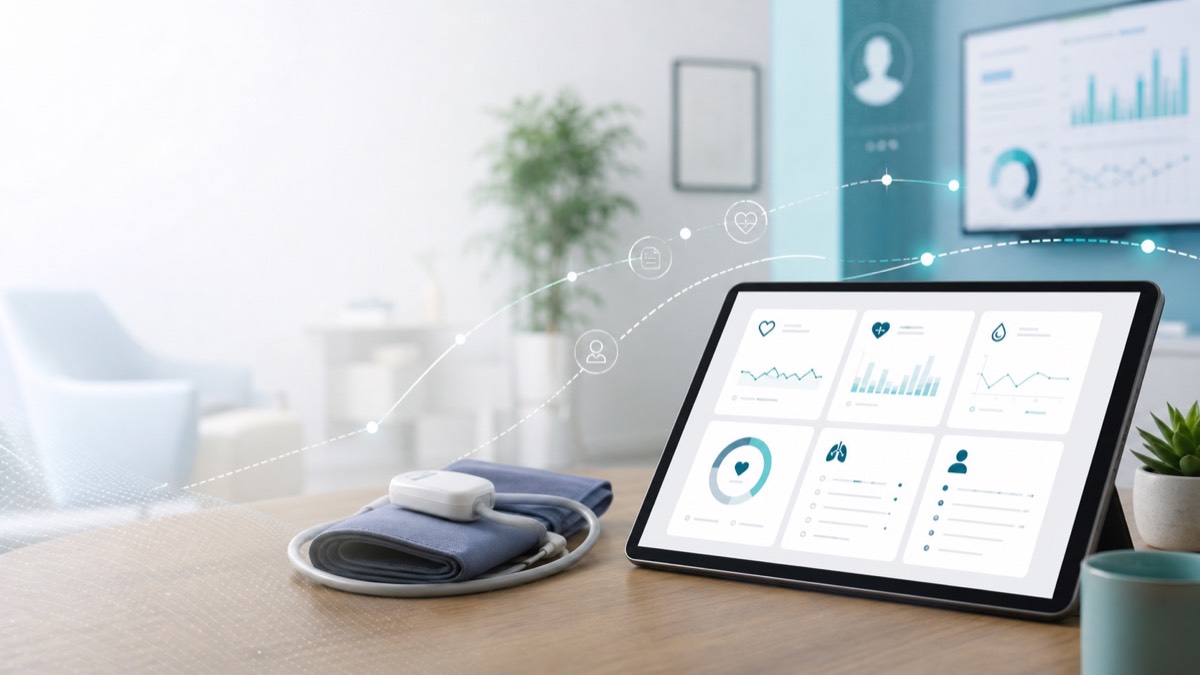
Device Selection Basics for Home Monitoring Programs
Device selection can make or break a home monitoring program. A monitor that looks good on a spec sheet may still fail if users cannot place the cuff correctly, read the display, or repeat the routine over time.
For blood pressure monitoring, the best device choice starts with the user and the workflow, not the longest feature list.
Start with the use case
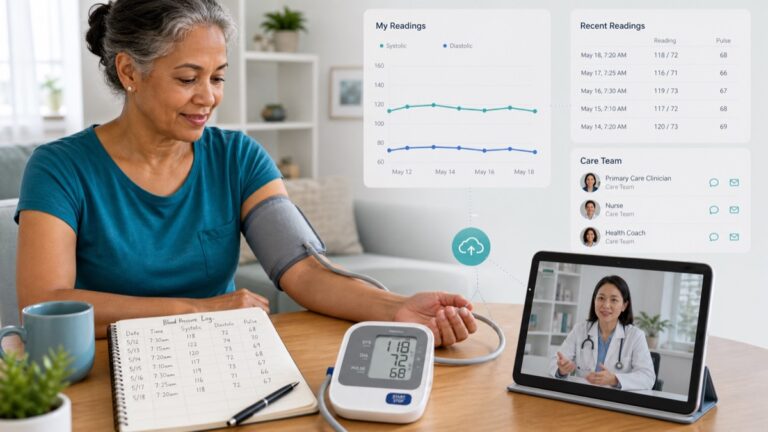
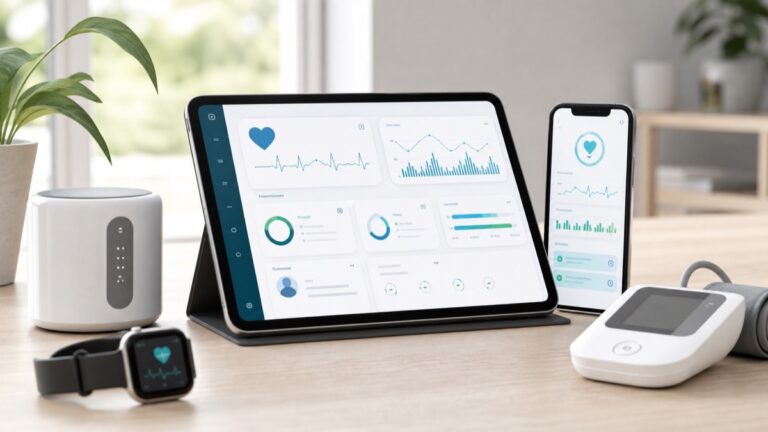
A home user checking readings before a doctor’s visit may need a different setup from a clinic running a remote monitoring workflow. A senior who needs large numbers may need a different monitor than a tech-comfortable patient using a connected app.
Medtrone’s remote patient monitoring guide explains why the care model should shape the device decision.
Prioritize measurement quality
Blood pressure data is only useful if the measurement routine is reasonable. The CDC highlights technique factors such as rest, posture, arm support, cuff placement, and not talking during measurement. Device selection should support those behaviors.
For many home users, the upper arm format is the practical starting point. The American Heart Association recommends automatic cuff-style upper arm monitors for home use.
Evaluate usability
Usability includes more than buttons. It includes display size, cuff comfort, setup time, memory access, battery or power needs, instruction clarity, and whether the patient can use the monitor without feeling embarrassed or confused.
- Can the user wrap the cuff correctly?
- Can the display be read in normal lighting?
- Does the device store readings?
- Can a caregiver help without needing an app login?
- Is the cuff size suitable for the user’s arm?
- Are the instructions plain and visible?
ZYBS Medical Group’s upper arm blood pressure monitor page is a useful consumer-facing resource for this decision.
Match the device to the data flow
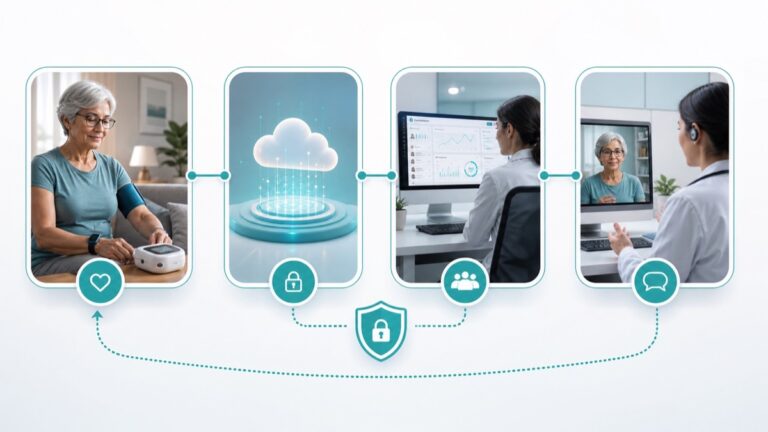
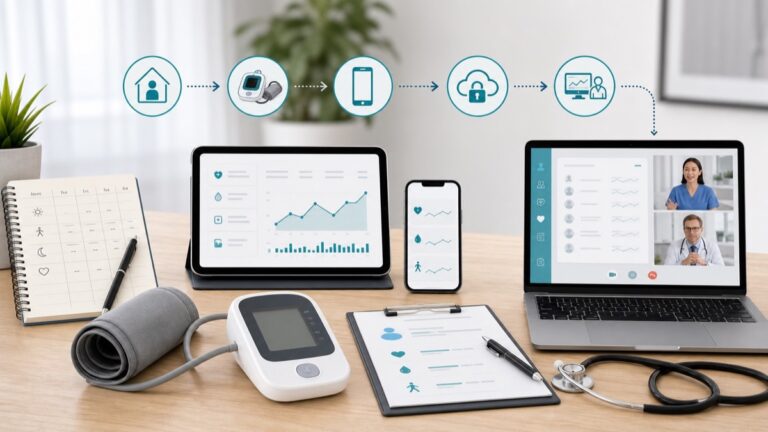
If readings are reviewed during appointments, device memory and a written log may be enough. If a care team is reviewing readings between visits, a connected process may be needed. In either case, the device should fit the data flow.
Medtrone’s patient-generated health data page explains how numbers become more useful when the care team knows where they came from and how they were collected.
Think about support after purchase
A monitor should come with instructions patients can understand. Programs should also plan how to answer common questions: where to place the cuff, when to measure, how to repeat a reading, and what to do if the device shows an error.
FAQ
What device type is commonly recommended for home blood pressure monitoring?
The American Heart Association recommends an automatic cuff-style upper arm monitor.
Is a connected monitor always required?
No. A connected monitor can help certain workflows, but device memory or a written log may be enough for some home monitoring plans.
Why does cuff size matter?
A cuff should fit the user’s arm properly because poor fit can affect reading quality.
Should clinics standardize devices?
Standardization can make training and support easier, but clinics should account for patient needs such as cuff size and usability.
Sources and further reading
- CDC: Measuring Your Blood Pressure
- American Heart Association: Home Blood Pressure Monitoring
- MedlinePlus: High Blood Pressure
- FDA: What Is Digital Health?
Next step
Choose devices by starting with the patient routine, then matching the monitor to the review workflow.
Medical disclaimer: This article is for education only and is not a diagnosis, treatment plan, or substitute for care from a licensed health professional.